
Click to download now, finish the installation quickly, and directly unlock the all-round experience
Screenshots
Click to download now, finish the installation quickly, and directly unlock the all-round experience
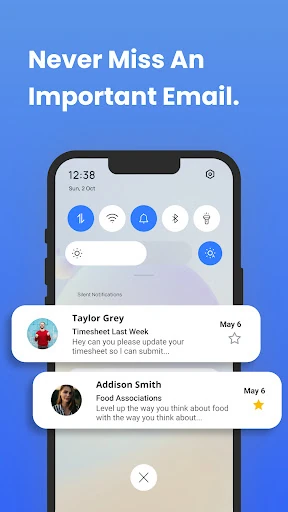
Inbox Homescreen replaces the usual app-focused starting point with a communication-focused interface. It is designed for people who want email visible as soon as they unlock their phone, rather than treating the inbox as an app they need to open separately. The app is published by Homescreen Apps and listed in the Communication category.
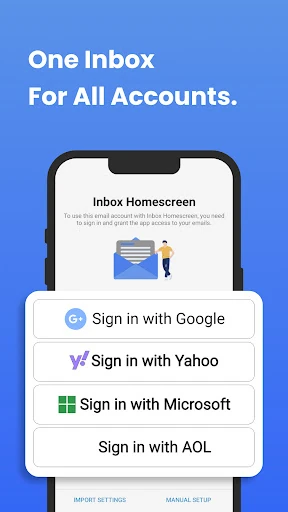
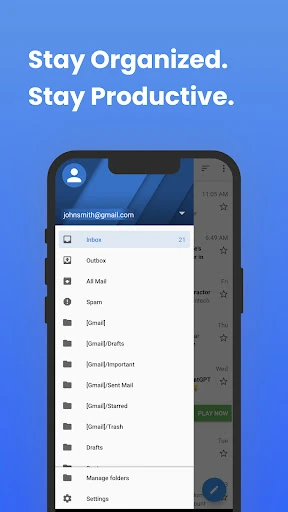
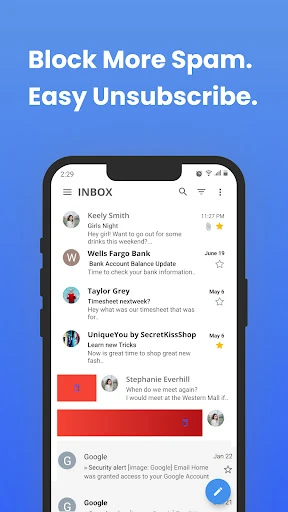
The app supports a unified view for email from multiple providers, helping users manage several accounts from one place. It also includes tools for sorting and prioritising messages, along with email scheduling for messages that should be sent later. The homescreen format keeps these functions close to the first screen of the device instead of limiting them to a conventional mail app.
Inbox Homescreen makes the most sense for users who handle email throughout the day and prefer communication to sit at the centre of their phone experience. It may be less suitable if you want a standard Android launcher where app shortcuts, widgets, and the app drawer remain the main focus. Replacing the default homescreen also means adapting to a different way of navigating the device.
With a 4.44 rating from 17,473 reviews and more than 1,000,000 installs, Inbox Homescreen has an established user base. Its purpose is straightforward: make email the first thing you see and give multi-account communication a permanent place on your Android homescreen.